Turn revision into a knowledge check
It can be difficult to know how well you understand a technical topic.

Assess your technical knowledge, discover your strengths, and identify areas where you can improve with SkillVerify.
A focused skills check gives you another way to reflect on your understanding and choose what to practise next.
It can be difficult to know how well you understand a technical topic.
Knowledge gaps are not always obvious until you test yourself.
Without clear assessment results, deciding what to learn next can be challenging.
Skill assessments can complement your lessons, projects, and self-study by adding a structured way to check what you understand.
Evaluate your technical knowledge through structured assessments.
Identify strengths and topics that need more practice.
Use assessment results to guide your learning journey.
Use an assessment as a checkpoint in your learning process—not as the only measure of your ability.
Pick a supported subject that matches what you want to review.
Apply your understanding as you work through the assessment.
Look at the results and feedback available to you.
Use what you noticed to guide revision and further practice.
These are examples of areas you may want to study or assess. Availability depends on SkillVerify's current assessment library.
Choose from the subjects available to your account.
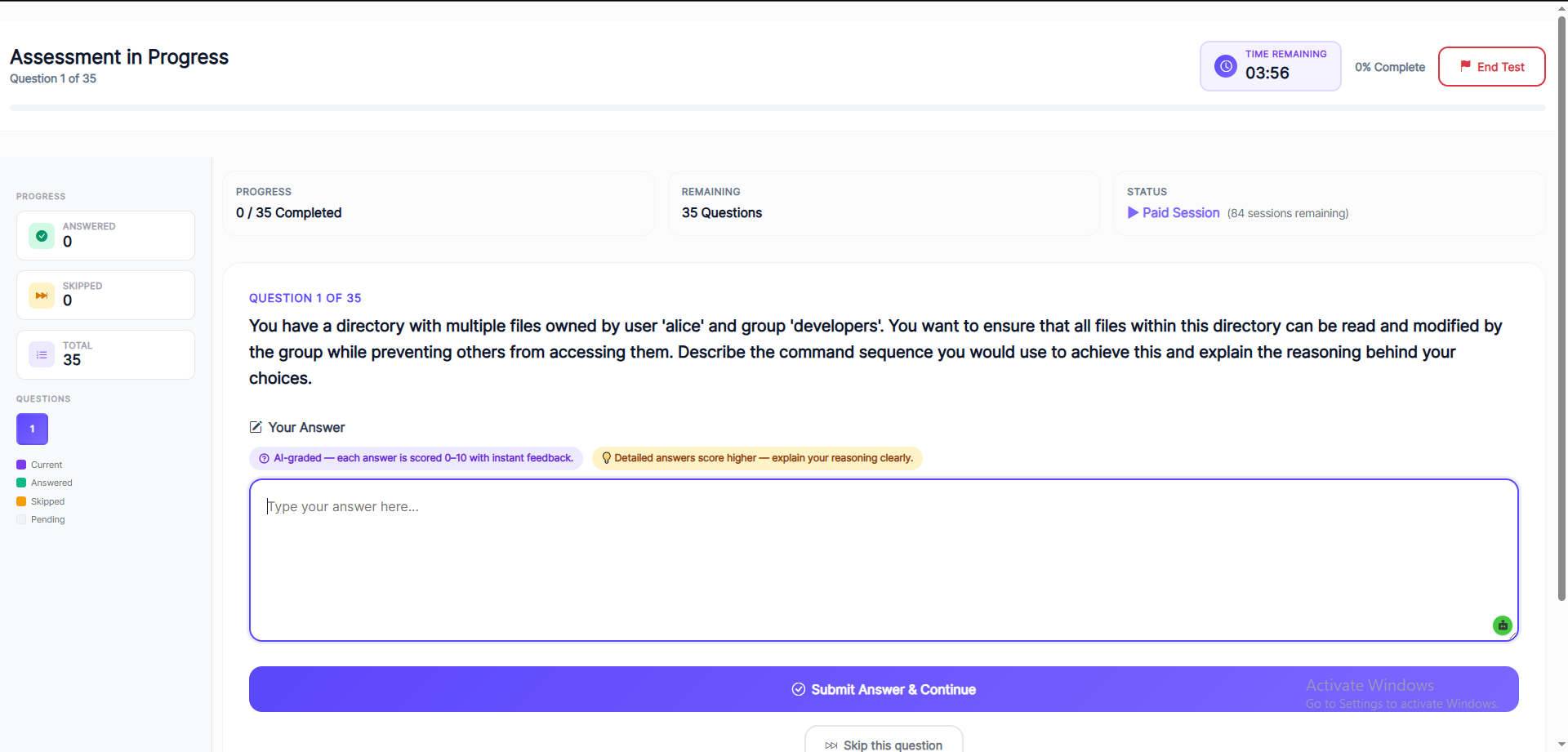
See examples of the platform interface and the kinds of information that may be available during an assessment journey.
Use the assessment flow to answer questions, then review the information available for your attempt. Let the outcome guide your next revision session alongside practical work and course feedback.


Explore the assessment information available in the platform.

Use the available result details as feedback for your learning.

Consider challenging topics when planning your next study session.
A skills check can fit into different learning routines, whether you are studying formally or building knowledge independently.
Revisit concepts from classes and coursework with an additional knowledge check.
Check your understanding of software development and coding fundamentals.
Add a checkpoint to your self-paced learning plan and revision routine.
Supplement projects and exercises with structured technical questions.
Review relevant knowledge as you work toward a different technical role.
Use assessments alongside projects, problem-solving, and interview practice.
A result is most useful when you act on it. Use it as a prompt to review, practise, and revisit concepts rather than treating one score as the full picture of your ability.
Understand how a structured knowledge check can fit into a broader learning routine.
A technical skills assessment is a way to check knowledge in a specific subject area. Depending on the assessment, questions may cover programming, web development, databases, data analytics, software testing, or other technical topics.
Reading and practising a concept does not always make it easy to judge how well you understand it. A structured assessment can provide another checkpoint and help you notice topics that may need more attention. Consider results alongside coursework, projects, and practical experience.
An online assessment provides a digital way to answer questions and review the result information made available by the platform. You can use this information to choose revision topics, practise concepts, and plan your next study session.
Questions that you find difficult may point to concepts worth revisiting. Review the underlying topic, try related exercises, and seek feedback where useful. No single assessment captures every aspect of a person's skills or potential.
Students preparing for internships, technical interviews, or entry-level roles may use relevant assessments to review technical knowledge. Combine assessment practice with hands-on projects, coding exercises, communication practice, and preparation specific to the opportunity.
A few useful details before you begin.
Use a technical skills assessment as one more way to understand your progress and decide what to practise next.